M-Pesa Integration for Websites and Apps: A Complete Guide for Kenyan Businesses
Everything you need to know about integrating M-Pesa STK push, paybill, and till payments into your website, mobile app, POS, or e-commerce store using the Safaricom Daraja API.
Orwan Consulting15 July 20269 min read
M-Pesa is not just a payment method in Kenya — it is the backbone of commerce. Over 30 million Kenyans use M-Pesa regularly, and for many businesses, accepting M-Pesa is the difference between making a sale and losing a customer.
Who this is for: Business owners, developers, and decision-makers in Kenya who want to accept M-Pesa payments on their website, mobile app, POS system, or e-commerce store.
What is the Safaricom Daraja API?
Daraja is Safaricom's official API platform for M-Pesa integration. It allows developers to build M-Pesa payments directly into websites, apps, and business systems.
Daraja supports several payment methods:
Method
What it does
Best for
STK Push (Lipa na M-Pesa Online)
Sends a payment prompt to the customer's phone. Customer enters PIN to approve.
E-commerce, web checkouts, app payments
Paybill
Customer sends money to your paybill number manually. Your system receives a callback to confirm.
Invoicing, subscriptions, bill payments
Till Number
Customer pays to your till number. Confirmation via callback.
Retail, restaurants, in-person payments
C2B (Customer to Business)
Automated payment registration and confirmation for paybill/till.
High-volume businesses
B2B (Business to Business)
Business-to-business payments between M-Pesa accounts.
Supplier payments, transfers
B2C (Business to Customer)
Send money from your business to customers (refunds, payouts, salaries).
Refunds, disbursements, payroll
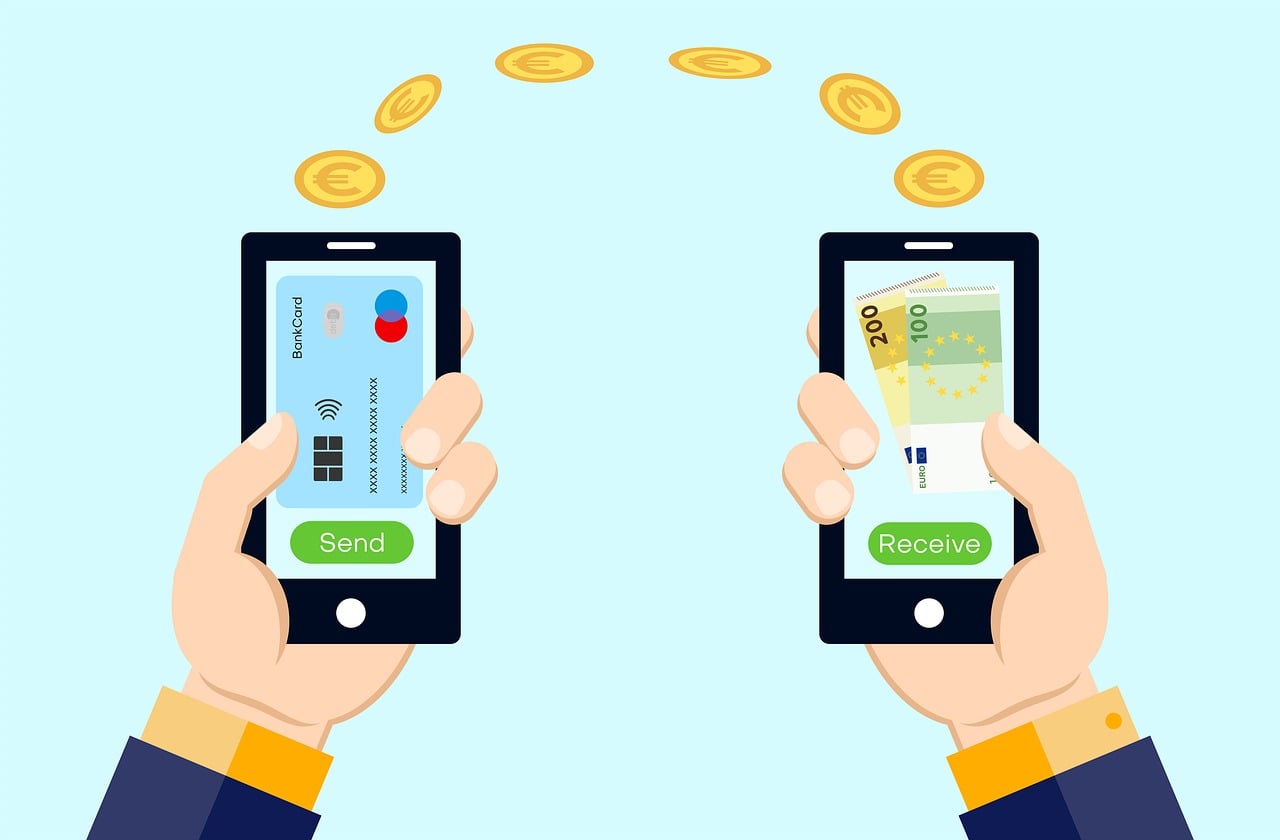
For most businesses, STK Push is the primary integration method. It provides the smoothest customer experience — the customer does not need to leave your website or app to make a payment.
How STK Push works (step by step)
Customer clicks "Pay with M-Pesa" on your website or app
Your system calls the Daraja API with the amount and customer phone number
The customer receives an M-Pesa prompt on their phone
Customer enters their M-Pesa PIN to approve
Safaricom processes the payment
Daraja sends a callback to your server with the transaction result
Your system confirms the payment and updates the order status automatically
The entire process takes 5–15 seconds. No manual confirmation needed. No checking your M-Pesa statement to see if the customer paid.
A Consumer Key and Consumer Secret (used to authenticate API requests)
Access to the sandbox (test environment) for development
Access to the production environment after testing
Registration is free. You only pay transaction fees on actual payments processed.
2. A business paybill or till number
To receive payments, you need either:
A Paybill number (for invoicing, subscriptions, online payments)
A Till number (for retail and in-person payments)
You can register for a paybill/till at any Safaricom shop. You will need:
Business registration documents (CR12, certificate of incorporation)
KRA PIN certificate
Director's ID
A letter requesting the paybill/till
Processing typically takes 3–7 working days.
3. A secure server (with HTTPS)
Daraja API callbacks (payment confirmations) are sent to a URL on your server. This URL must:
Be publicly accessible (not localhost)
Use HTTPS (Safaricom does not send callbacks to HTTP URLs)
Respond quickly (under 3 seconds) — if your server is slow, Safaricom may retry or skip the callback
4. Callback URL handling
Your system needs an endpoint that:
Receives the payment confirmation from Safaricom
Validates the transaction (check amount, account reference, customer)
Updates your order/payment record
Returns a success response to Safaricom
If your callback URL fails, payments may be processed but your system will not know about them — leading to orders that are never fulfilled.
M-Pesa integration methods
Option 1: Direct Daraja API integration
You build the integration yourself (or hire a developer). This gives full control and the lowest transaction costs.
Pros:
Full control over the payment flow
No middleware fees
Can customise the experience entirely
Direct access to all Daraja features
Cons:
Requires development expertise
You handle security, error handling, and edge cases
Safaricom support is limited to API documentation
Cost:
Development: KES 15,000–60,000 (one-time, depending on complexity)
Transaction fees: Safaricom's standard M-Pesa transaction fees (same as any M-Pesa payment)
No monthly fees
Timeline: 1–3 weeks (including sandbox testing and production go-live)
Option 2: Payment aggregator / middleware
Companies like Africa's Talking, Pesapal, and Jenga provide M-Pesa integration as a service. They wrap the Daraja API in simpler APIs and handle callbacks, reconciliation, and reporting for you.
If you use WordPress (WooCommerce), Shopify, or OpenCart, pre-built M-Pesa plugins exist. You install the plugin, enter your Daraja credentials, and payments work.
Pros:
Fastest setup (hours, not weeks)
No development needed
Maintenance handled by plugin developer
Cons:
Limited to what the plugin supports
Plugin quality varies widely — some are poorly maintained
May not support advanced features (refunds, partial payments, split payments)
Plugin updates can break your integration
Cost:
Plugin: KES 5,000–25,000 (one-time or annual licence)
Transaction fees: Safaricom standard fees only
Timeline: Same day to 2 days
Common M-Pesa integration mistakes
1. Not handling failed callbacks
Safaricom sends a callback for every transaction — success or failure. Many integrations only handle the success callback and ignore failures. This means:
A customer's payment fails but your system shows the order as paid
Or the payment succeeds but the callback times out and your system never records it
Fix: Always handle both success and failure callbacks. Log every callback. Implement reconciliation — periodically check your M-Pesa statement against your system records.
2. Hardcoding sandbox credentials
It sounds obvious, but many developers forget to switch from sandbox to production credentials before launch. Payments work in testing but fail in production.
Fix: Use environment variables for all credentials. Never hardcode keys in source code.
3. Not validating the account reference
When a customer pays via paybill, they enter an account reference (e.g., an invoice number or customer ID). Your system should validate this reference — otherwise, you receive money but cannot match it to an order.
Fix: Generate unique account references for each transaction. Validate the reference in your callback handler.
4. Ignoring rate limits
Daraja API has rate limits. If you send too many STK push requests in a short period, Safaricom blocks your application.
Fix: Implement rate limiting on your end. Queue payment requests if necessary. Do not retry failed requests immediately — use exponential backoff.
5. Not testing edge cases
Many integrations work for the happy path (customer pays, payment succeeds) but fail when:
Customer does not respond to the STK prompt (timeout)
Customer has insufficient funds
Customer's phone is off
Network is down
Duplicate payment (customer pays twice)
Fix: Test every edge case in the sandbox before going to production.
M-Pesa integration for different business types
E-commerce store
Customer adds items to cart
At checkout, selects "Pay with M-Pesa"
STK push sent to their phone
On confirmation, order status changes to "Paid" automatically
If payment fails, system sends reminder and retries
Subscription paused/cancelled if payment fails after X attempts
School or institution
Parents pay fees via paybill
System matches payment to student using account reference (admission number)
Receipt generated automatically
Fee balance updated in real time
Parent receives SMS confirmation
M-Pesa integration cost summary
Component
Cost (KES)
Daraja API registration
Free
Paybill/Till registration
Free (Safaricom)
Direct Daraja integration (development)
15,000–60,000
Aggregator integration (development)
10,000–30,000
E-commerce plugin
5,000–25,000
SSL certificate (if not already have)
5,000–15,000/year
Transaction fees (Safaricom)
Standard M-Pesa rates
Aggregator additional fee (if used)
1–3 % per transaction
Monthly hosting for callback endpoint
2,000–10,000
Timeline for a typical M-Pesa integration
Phase
Duration
Daraja account registration
1–2 days
Paybill/Till registration (if new)
3–7 days
Sandbox development and testing
3–7 days
Production credentials application
1–3 days
Production testing and go-live
1–2 days
Total (if paybill already exists)
1–2 weeks
Total (including new paybill)
2–3 weeks
What to do next
If you want to accept M-Pesa payments on your website, app, or POS system, the first step is understanding what integration method fits your business.
Orwan Consulting builds custom M-Pesa integrations for Kenyan businesses — direct Daraja API, aggregator-based, and platform plugins. We handle the entire process from registration to production go-live.
Schedule your free consultation — we will review your current system, recommend the best integration approach, and provide a fixed-cost proposal.
It is Safaricom's official API platform for M-Pesa integration, allowing developers to build M-Pesa payments directly into websites, apps, and business systems.
How does STK Push work?
It sends a payment prompt to the customer's phone; the customer enters their M-Pesa PIN to approve, and the system receives a callback with the transaction result.
What are the main M-Pesa integration methods?
The three primary options are direct Daraja API integration, payment aggregator/middleware services, and e-commerce platform plugins.
What common mistakes should be avoided when integrating M-Pesa?
Key pitfalls include mishandling callbacks, hardcoding sandbox credentials, failing to validate account references, ignoring API rate limits, and not testing edge cases such as timeouts or insufficient funds.