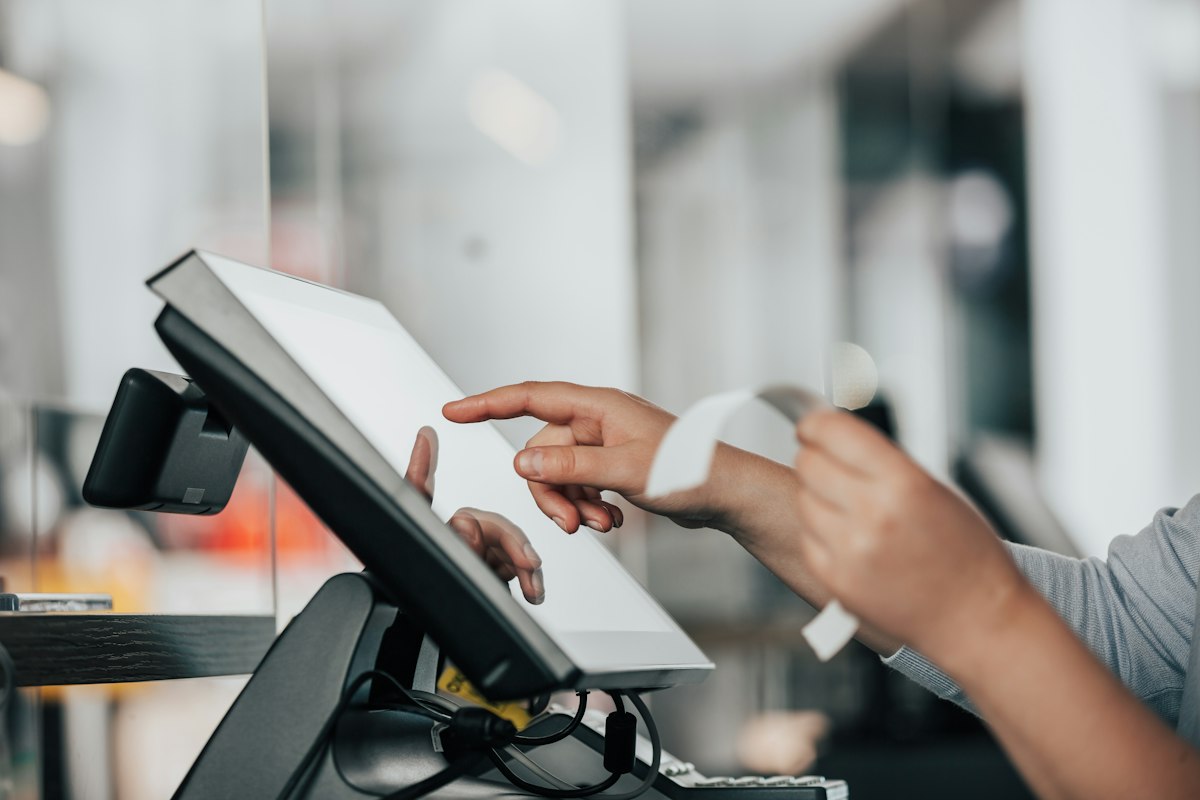
What a POS system really costs in Kenya – and what you get at each price tier
A clear breakdown of POS pricing in Kenya, from basic cloud till to full ERP-linked setup, with real KES ranges and what each tier delivers for retail, fo.
Orwan Consulting27 August 20267 min read
Open
A typical morning in a small electronics shop
It is 7:30 am in Nakuru. The owner of a small electronics shop unlocks the door, turns on the old desktop, and opens a spreadsheet that lists yesterday’s M-Pesa till, cash sales, and stock counts. A staff member pings a WhatsApp group to confirm a walk-in customer’s request for a charger that is not on the shelf. By 9 am the till is already out of balance, the spreadsheet has a typo, and the owner spends the next hour reconciling numbers instead of serving customers.
The recurring cost across Kenyan towns
This scene repeats in shops across Nairobi, Mombasa, Kisumu and smaller towns. The daily cost is not just the missing shillings; it is lost sales, frustrated staff, and delayed KRA eTIMS filing.
The problem
Time lost to manual reconciliation
When a business relies on spreadsheets, paper books, or WhatsApp chats to track sales, three concrete drains appear:
Time lost to manual reconciliation – owners and supervisors spend 2-4 hours each day matching till slips, bank statements, and inventory counts. That is time not spent on selling, restocking, or customer service.
Errors that leak revenue
Errors that leak revenue – a misplaced decimal, a duplicated M-Pesa transaction, or a missed cash drop can shift the daily till by 5-15 %. Over a month that translates to thousands of shillings of unaccounted income.
Lost sales from stock-outs and slow checkout
Lost sales from stock-outs and slow checkout – when staff cannot see real-time stock levels, they tell customers ‘we will check later’ or process a sale manually, leading to abandoned purchases and longer queues.
Amplified problems in cash/M-Pesa, multi‑branch, or low‑connectivity settings
These problems are amplified in businesses that handle both cash and M-Pesa, operate multiple branches, or face unreliable internet. The result is a constant drag on profit and growth.
How it works in Kenya
M-Pesa integration at the point of sale
A modern POS system built for Kenyan SMEs does three things that spreadsheets cannot:
M-Pesa integration at the point of sale – using Safaricom Daraja (STK push, C2B, paybill or till) the POS can initiate a payment request, receive confirmation instantly, and record the transaction without leaving the sales screen. The same logic works for Airtel Money, Equity Bank, Co-op Bank, KCB, Flutterwave or Pesapal, with built-in reconciliation so the till matches what the bank reports.
Offline-first operation
Offline-first operation – when the internet drops, the POS continues to capture sales, update stock, and print receipts locally. As soon as connectivity returns, it syncs the batch to the cloud server, zero data loss. This is essential for markets outside Nairobi’s fibre hubs or for boda-boda vendors who move between zones.
KRA eTIMS-ready invoicing
KRA eTIMS-ready invoicing – every sale generates an e-invoice that meets the Kenya Revenue Authority’s electronic invoicing standard. The POS sends the invoice to the KRA sandbox or production API, stores the acknowledgment, and allows the business to retrieve invoices for filing.
Simple touchscreen interface and dashboard
These core capabilities are usually wrapped in a simple touchscreen interface that runs on Android tablets or low-cost PCs. Staff can learn the basics in under an hour, and managers can view daily sales, stock levels, and M-Pesa totals from a dashboard on their phone or laptop.
Where businesses go wrong
Choosing hardware without offline sync
Even with the right technology, many Kenyan SMEs stumble on implementation. Three common mistakes and their real costs are:
Choosing hardware without offline sync – buying a cheap POS terminal that requires constant internet. When the network fails (which happens weekly in many towns), sales stop, staff revert to paper, and the day’s data is lost until the line returns. The cost: lost sales during outages plus the effort to re-enter transactions later.
Ignoring KRA eTIMS compliance
Ignoring KRA eTIMS compliance – selecting a system that prints receipts but does not submit e-invoices. When KRA audits, the business faces penalties and the hassle of producing manual invoices for months of sales. The cost: potential fines, back-filing work, and loss of trust with suppliers who demand eTIMS-compliant documents.
Over-customising or locking into a proprietary platform
Over-customising or locking into a proprietary platform – paying for a bespoke build that ties the business to a single vendor for updates, support, and data export. When the vendor’s fees rise or support slows, migrating to another system means rebuilding the POS, inventory, and M-Pesa logic from scratch. The cost: unexpected future expenses and operational disruption.
Under‑training staff
A fourth pitfall is under-training staff. If the team only learns the POS by watching a video, they will still fall back to WhatsApp for price checks or manual stock counts, eroding the system’s benefit.
The path forward
Before: paper ledger, separate till slip, WhatsApp orders
Before: A shop in Mombasa uses a paper ledger for cash, a separate M-Pesa till slip, and a WhatsApp group to take orders. Stock is counted once a week; the owner spends Friday evenings reconciling.
After: cloud‑based POS on Android tablet
After: The same shop deploys a cloud-based POS on an Android tablet. The tablet runs offline, accepts M-Pesa STK push, prints eTIMS-compliant receipts, and updates inventory in real time. At the end of each day the owner opens a dashboard that shows sales by product, M-Pesa versus cash split, and low-stock alerts. The WhatsApp group is now used only for marketing, not for order taking.
Map your current sales flow
Where to start this week:
Map your current sales flow – write down how a sale happens from customer greeting to money received, noting where you use spreadsheets, paper, or WhatsApp.
List the non‑negotiables
List the non-negotiables – M-Pesa acceptance (Daraja STK push or till), offline capability, eTIMS invoicing, and simple stock tracking.
Choose a pilot tier
Choose a pilot tier – start with a cloud POS without hardware (KES 30,000) on a spare tablet, test it for one week with a single product line, and verify the M-Pesa sync and eTIMS output.
Plan the next layer
Plan the next layer – once the core POS is stable, add a mobile app for staff to check stock or take orders on the go (KES 150,000) or integrate a simple website for online orders (KES 50,000–100,000 for a basic storefront).
What it costs
Cloud POS only (no hardware)
Based on Orwan Consulting’s verified pricing for Kenyan SMEs, here are realistic KES ranges for a POS-centric setup:
Cloud POS only (no hardware) – KES 30,000. Includes software licence, M-Pesa Daraja integration, offline sync, eTIMS invoicing, and basic reporting. You provide the Android tablet or PC.
POS with hardware
POS with hardware – KES 80,000–150,000. Adds a rugged touchscreen tablet, receipt printer, cash drawer, and barcode scanner. Still cloud-based, offline-first, M-Pesa and eTIMS ready.
POS + inventory + mobile app
POS + inventory + mobile app – KES 200,000–350,000. Combines the hardware POS with a real-time inventory module and a custom Android/iOS app for staff to check stock, create purchase orders, or take orders off-site.
POS + inventory + website + basic ERP
POS + inventory + website + basic ERP – KES 500,000+. A fuller system that links the POS to accounting, payroll, and a lightweight ERP (e.g., invoicing, purchase management). Hardware may include multiple terminals for a shop with a counter and a back-office desk.
Hosting and support
These figures are one-time setup costs; hosting starts at KES 2,000 per month and support is included in the fixed-scope proposal. There are no hidden hourly bills.
Common questions
Do I need to buy new hardware?
Do I need to buy new hardware?
No. The cloud POS tier works on any Android tablet or PC you already own. If you prefer a dedicated terminal, we can quote a hardware bundle.
How does offline sync work?
How does offline sync work?
When the internet is lost, the POS stores each sale locally. Once the connection returns, it pushes the batch to the cloud and downloads any stock updates that happened while you were offline.
What about training?
What about training?
We provide a two-hour onsite session (or remote via WhatsApp video) plus a simple user guide. Most staff are comfortable processing sales after the first day.
Close
Next steps: free discovery session
If you recognise the morning-till-reconciliation struggle and want a system that records every M-Pesa and cash sale, keeps stock accurate, and files eTIMS invoices automatically, let’s talk. Book a free discovery session with Orwan Consulting in Nairobi — we map your processes and show you exactly what we would build, as a fixed-cost proposal.