Stop the end-of-day M-Pesa count: a practical guide for Kenyan retailers
Learn how retailers in Nairobi, Mombasa and Kisumu replace manual M-Pesa tallies with a POS that syncs payments, updates inventory and files KRA-ready inv.
Orwan Consulting27 August 20269 min read
Open
Morning routine at the mini-supermarket
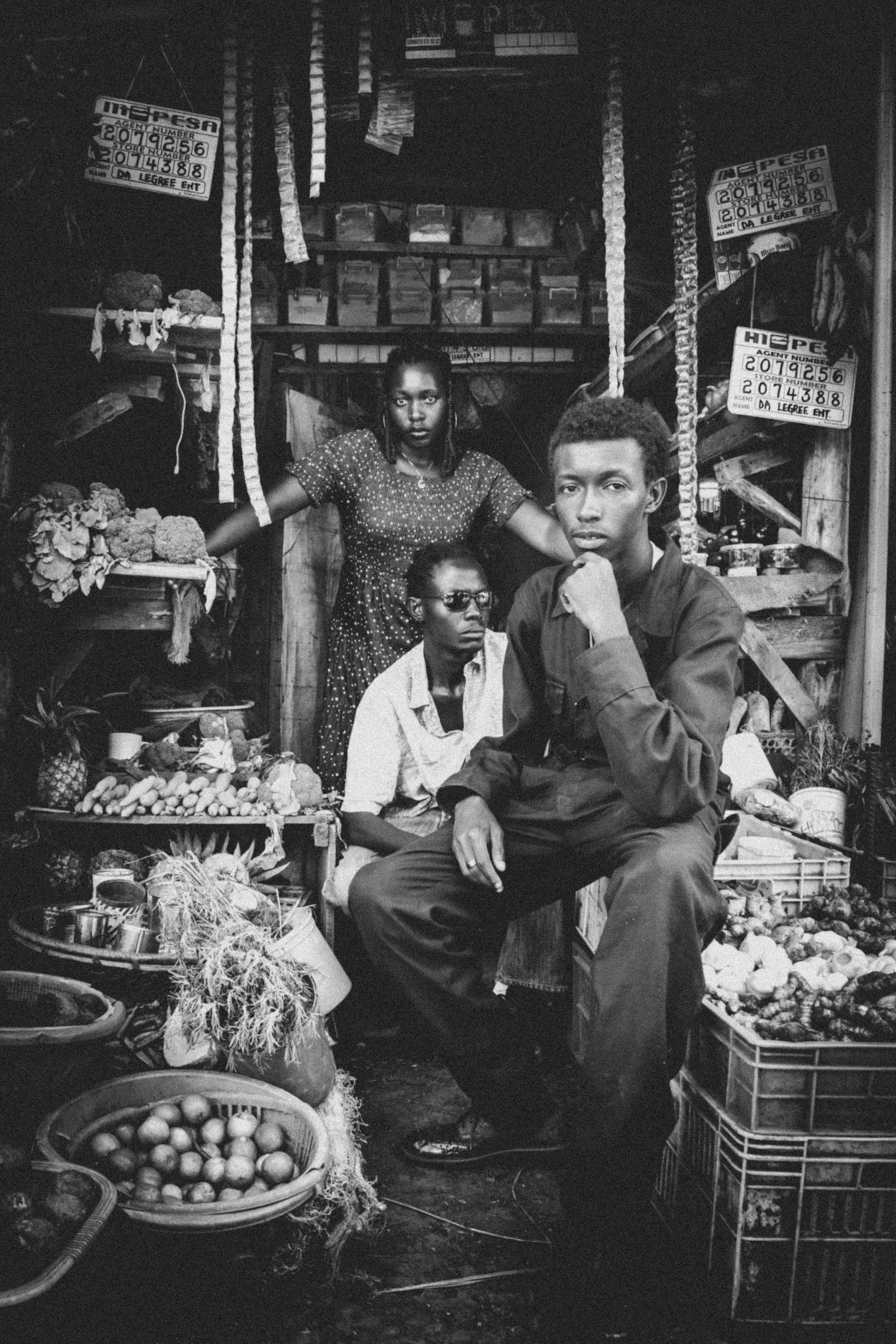
At 5:45 am in a mini-supermarket on Moi Avenue, Nairobi, the owner sits behind the counter with a stack of printed M-Pesa confirmation slips and a ledger, trying to match each STK push with the cash register before the first boda-boda rider arrives for breakfast. The air smells of fresh bread and diesel as the shop’s WhatsApp group pings with a supplier’s price update. Before the till opens, the owner flips the sign to “Open”, wipes the counter with a damp cloth, and checks the M-Pesa balance on the phone to see if any overnight payments have already cleared.
The reconciliation challenge before opening
By 7 am the notebook is half-filled, the till is short by KES 200, and the owner already knows the day will end with another round of reconciliation. A regular customer, a schoolteacher on her way to class, stops for a packet of tea and asks for change; the owner hesitates, glances at the ledger, and promises to sort it out after the morning rush.
The problem
Time and cost of manual reconciliation
Manual M-Pesa reconciliation costs retailers time, money and trust. Each evening the owner or a clerk spends 45-90 minutes copying STK push SMSes into a spreadsheet, then cross-checking them against the till roll and paper receipts.
Consequences of errors and variance
Mistakes happen: a duplicated transaction, a missed Lipa Na M-Pesa payment, or a cash-only sale that never entered the sheet. The result is a daily variance that must be explained to the bookkeeper, delayed KRA eTIMS filing, and sometimes a shortage that forces the owner to dip into personal funds. When the variance grows, customers notice delayed receipts or incorrect change, eroding confidence in the shop. Staff become frustrated, WhatsApp groups fill with blame, and the owner loses sight of real-time stock levels because sales are only recorded after the night-long count. Consider a typical Thursday: the owner receives three STK push confirmations for milk, bread and cooking oil, but one SMS arrives late due to network delay; the clerk enters the two early payments, forgets the late one, and at closing the till shows a surplus of KES 150 that cannot be traced to any sale, prompting a frantic search through the day’s paper receipts and a call to the bookkeeper for clarification.
How it works in Kenya
M-Pesa channels and Daraja API
M-Pesa moves money through several channels that retailers use daily: STK push (customer initiates payment via phone), paybill (business-to-customer), till (merchant-to-merchant), and Lipa Na M-Pesa (in-store QR). The Safaricom Daraja API lets a POS receive real-time confirmation of each STK push and till transaction as a JSON webhook.
POS operation, offline sync and reconciliation report
A well-built POS stores that confirmation locally, updates the sales ledger, reduces inventory, and generates an eTIMS-compliant invoice without needing constant internet. When the connection drops, the system queues the transaction offline and syncs automatically when coverage returns, guaranteeing zero data loss. At closing time the POS produces a reconciliation report that matches every Daraja-confirmed payment with the day’s sales, inventory changes and tax totals, ready for upload to KRA or email to the accountant. For example, when a customer pays for a basket of groceries via STK push, the POS receives the webhook, logs the sale under the correct till number, decrements the quantity of each item in the inventory module, and prints an eTIMS invoice that includes the taxpayer PIN, invoice number, date and a breakdown of VAT. If the mobile network flickers during the evening peak, the POS holds the webhook in a local queue and pushes it to Safaricom’s servers as soon as the signal returns, ensuring no sale is lost.
Data protection offline
How is data protected when the POS is offline?
Transactions are stored in an encrypted local database on the device; once connectivity is restored, the data is transmitted over a secure TLS channel to Safaricom’s Daraja servers and to your cloud backup, ensuring that no payment information is exposed or lost.
Where businesses go wrong
Separate spreadsheets and paper logs & online-only POS
Relying on separate spreadsheets and paper logs – This creates duplicate entry points. A single missed STK push SMS means the sales total is off by the transaction value, and the inventory count stays high, leading to over-ordering and tied-up capital. In our experience, shops that keep parallel logs spend up to two extra hours each day fixing mismatches. Imagine a duka owner who, after noticing the spreadsheet shows fewer sales than the till, orders an extra crate of soda believing stock is low; the extra crate sits unsold for days while the actual soda on the shelf runs out, causing lost sales and extra storage cost.
Choosing a POS that only works online – When the internet flickers (common in Nakuru or Kisumu markets), sales cannot be recorded, forcing staff to revert to paper or lose the sale entirely. The cost is lost revenue and frustrated customers who abandon their purchase when the till says “system down”. A vendor at a bustling market in Eldoret may lose a lunchtime rush when a sudden rainstorm knocks out the mobile hotspot, leaving customers waiting while the clerk scrambles to find a pen and paper.
Ignoring automated Daraja webhooks & not linking inventory to sales
Ignoring automated Daraja webhooks – Some retailers still ask customers to forward the M-Pesa confirmation SMS manually. This adds a step for the buyer and introduces delays; the shop only learns of a payment after the customer leaves, making end-of-day matching guesswork. A customer buying airtime may be asked to forward the SMS, but if they forget or send it to the wrong number, the shop records the sale hours later, after the till has already been closed, creating a mismatch that must be investigated.
Not linking inventory to sales – When a sale is recorded but the stock level is not updated, the shop runs out of fast-moving items without knowing it, leading to missed sales and excess safety stock that ties up cash. A shop that sells cooking oil may record the sale but forget to reduce the oil count; by mid-week the shelf is empty, customers go elsewhere, and the owner later discovers a surplus of oil in the backroom that could have been used to meet demand.
The path forward
Before vs After scenario
Before – The shop owner starts the day with a notebook, ends it with a spreadsheet, and spends evenings chasing mismatched M-Pesa texts, cash counts and stock sheets. After – The same shop runs a POS that receives each STK push via Daraja, instantly logs the sale, reduces inventory and prints an eTIMS invoice. At 6 pm the POS pushes a reconciliation report to the owner’s WhatsApp and email, showing zero variance. Inventory levels are visible on a mobile app, allowing the owner to reorder before stock runs out.
Practical picture of inventory management
Picture the owner finishing the morning rush, glancing at the tablet to see that milk stock is at twelve litres, placing an order with the wholesaler for another twenty litres before the lunch crowd arrives, and receiving the confirmation that the order will be delivered by evening.
Where to start
Mapping M-Pesa flow and selecting POS
Map your M-Pesa flow – List every paybill number, till number and Lipa Na M-Pesa QR you use, note peak transaction times and average daily volume.
Select a POS with Daraja STK push and offline-first sync – Look for a system that stores transactions locally, syncs when connectivity returns, and can issue KRA-compliant invoices. (Orwan Consulting builds such POS solutions starting at KES 80,000, with cloud-only options from KES 30,000.)
Activate automated daily reconciliation – Configure the POS to send a summary of matched payments, sales and tax totals to a WhatsApp group or email each evening. This removes the manual spreadsheet step.
Train staff on the new flow and exception handling – Run a short session on how to verify a Daraja confirmation, what to do when a transaction fails to sync, and how to check real-time stock on the mobile app.
Schedule a monthly review with your accountant – Use the reconciliation reports to verify tax filings and discuss any discrepancies before they accumulate.
Support after installation
What support is available after installation?
Orwan Consulting provides a dedicated help desk reachable by phone and email, offers on-site training for the first two weeks, and supplies quarterly system health checks to verify that the Daraja webhook, inventory module and eTIMS invoice generator are all functioning correctly.
What it costs
Cost breakdown of POS, hardware, apps, website, ERP
A basic POS with inventory management and Daraja integration starts at KES 80,000. If you need hardware (tablet, barcode scanner, receipt printer) add KES 20,000-40,000. A companion mobile app for field staff or remote inventory checks begins at KES 150,000. A simple website to showcase products and accept online orders (linked to the same POS) starts at KES 50,000. For retailers that also want light ERP functions such as purchase order tracking and basic accounting, an ERP module ranges from KES 200,000 upward.
ROI and hardware bundle details
Most shops find a complete POS-inventory-mobile-app package delivers a return within three to six months through saved reconciliation time and reduced stock-outs. The hardware bundle typically includes a rugged tablet that can withstand dust and spills, a Bluetooth barcode scanner that reads both 1D and 2D codes, and a thermal receipt printer that produces eTIMS-ready slips.
Compatibility with other mobile money services
Can the POS accept other mobile money services besides M-Pesa?
The current configuration focuses on Daraja-enabled M-Pesa streams; adding other services would require additional API integrations, which can be discussed during the discovery session.
Close
Booking a discovery session
Book a free discovery session with Orwan Consulting in Nairobi — we map your processes and show you exactly what we would build, as a fixed-cost proposal.
What the session includes
During the session we will visit your shop, observe the morning rush, listen to your pain points around M-Pesa reconciliation, and walk through a tailored proposal that outlines the hardware, software and training needed to bring real-time sales, inventory and tax compliance to your counter.
Common questions
Do I need to change my M-Pesa paybill or till number?
No. The POS works with your existing Daraja-enabled paybill or till; it only adds a webhook listener.
What if my shop has more than one branch?
Each branch runs its own POS; data syncs to a central cloud when online, giving you a unified view of sales and stock across locations.
Is the system KRA eTIMS ready?
Yes. Every sale generates an eTIMS-compliant invoice that can be submitted directly to KRA or exported for your accountant.